Press Release: xtradbrowusers Plugin Update to Version 1.2.9
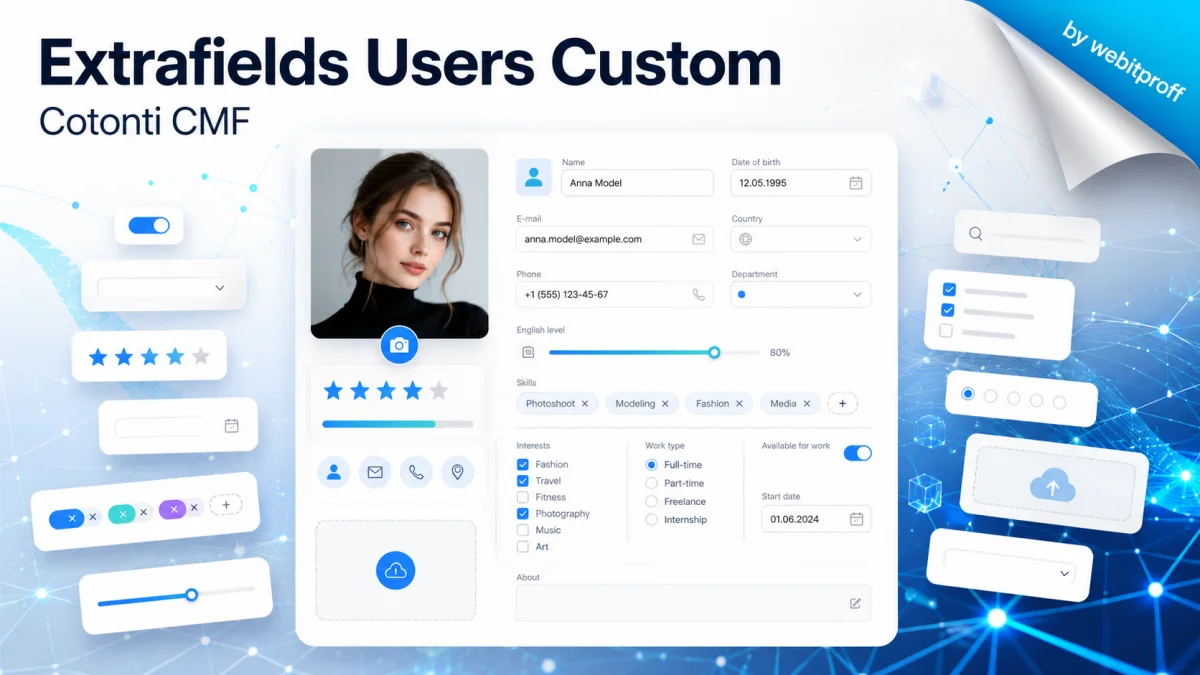
"Extrafields Users Custom" — now equipped with a full-fledged administration panel with three tabs and advanced multilingual support. Large-scale plug-in update for Cotonti CMF
📢 Press Release: xtradbrowusers Plugin Update to Version 1.2.9
Date: August 14, 2026 Version: 1.2.9 Author: webitproff
“Extrafields Users Custom” — now with a full-featured admin panel and advanced multilingual support
We are excited to announce a major update to the xtradbrowusers plugin for Cotonti CMF. The new version introduces a dedicated administration panel with three tabs, significantly extends multilingual capabilities, fixes mass‑saving bugs, and adds support for user categories with a convenient Select2 interface.
Previously, user extra fields were managed only through the common “Extensions → Extra Fields” section. Now the plugin provides its own interface, accessible via the “Administration” button in the extension card or via the URL admin.php?m=other&p=xtradbrowusers.
The admin panel consists of three tabs:
📊 “Statistics” Tab
Displays the total number of users, the number of records in the xtradbrowusers table, and the number of filled profiles.
Shows a table of all registered extra fields with their parameters: name, type, description, options, default values, required flag, and active status.
✏️ “Editing” Tab
Allows bulk editing of extra fields for all users.
Implements filters:
text search (by name, email, or both),
filter by ID,
filter by user group,
filter by user category (Select2 with nesting indentation) – if the usercategories plugin is active.
Correctly saves only changed fields – no more false updates and “Updated 12” counters when nothing was changed.
For new records, initial values are properly set:
checkbox → 0,
datetime → 0,
select → the default value from the field settings,
other types → empty string.
For checklistbox, selected values are sorted before comparison, and for datetime, values are normalised to the Y-m-d H:i format to avoid time‑zone issues.
🌐 “Editing + Translations (i18n)” Tab
Appears only when multilingual support is enabled.
Only text fields (input and textarea) can be edited – translations are saved for them.
Other field types are displayed in read‑only mode in a user‑friendly format:
select, radio, range – localised via the $L language array,
checklistbox – displayed as a comma‑separated list of localised values,
country – shows the country name from countries.lang.php,
datetime – formatted date, zero dates are hidden,
checkbox – shows “Yes”/“No”.
For textarea, the translation field is also multi‑line, not single‑line.
2. Improved Multilingual Support (i18n)
In the new version, the translation mechanism has become more transparent and reliable:
Which field types are translatable?
input and textarea – via the xtradbrowusers_i18n table; translations are edited in the admin panel.
select, radio, checklistbox – via language keys $L['fieldname_value'], without using the translation table.
checkbox – stores 1/0, localisation is done in the template.
country – the country name is taken from the standard countries.lang.php file.
Other types (inputint, double, datetime, range, file) – translations are not saved at this time; the original value is displayed.
The fallback logic on public pages now takes into account the main site language and additional languages. If the main language is not filled, the plugin tries to use the first non‑empty translation from the active additional languages.
3. Integration with User Categories (Select2)
For convenient filtering by user categories, a new function has been added:
cot_xtradbrowusers_usercategories_selectcat2() – generates a category select with Select2 support, a “All categories” placeholder, and nesting indentation via data-depth.
The admin template includes a Select2 initialisation script with custom option display (root categories bold, children indented with spaces).
An empty option <option value="">All categories</option> ensures that the category filter is not applied if no category is selected.
4. Fixes and Improvements
Array handling in xtradbrowusers_save() – any arrays (e.g., from checklistbox) are now automatically converted to a comma‑separated string before saving.
Table registration in the extra fields registry – added a call to cot_extrafields_register_table('xtradbrowusers') to ensure that the key exists in Cot::$extrafields even when no fields are active.
Safe loading of the countries file – the path is now built from $_SERVER['DOCUMENT_ROOT'] to avoid errors under different server configurations.
Fixed a bug in $formatValue – for datetime, a return was added after the zero‑check to prevent falling through to the next case.
Category integration – code related to usercategories is now wrapped in checks for plugin activity and function existence to avoid fatal errors when the plugin is absent.
📄 New/Updated Files
File
Purpose
xtradbrowusers.admin.php
New admin panel
tpl/xtradbrowusers.admin.tpl
Admin panel template
inc/xtradbrowusers.functions.php
Added category functions, improved multilingual support
Support and development of web projects on the CMF Cotonti: private messengers via the website, open and closed small social networks, trading platforms and marketplaces, freelance and services exchange portal, catalogs of goods from wholesale suppliers, dropshipping platforms, online stores, and much more.


 Русский