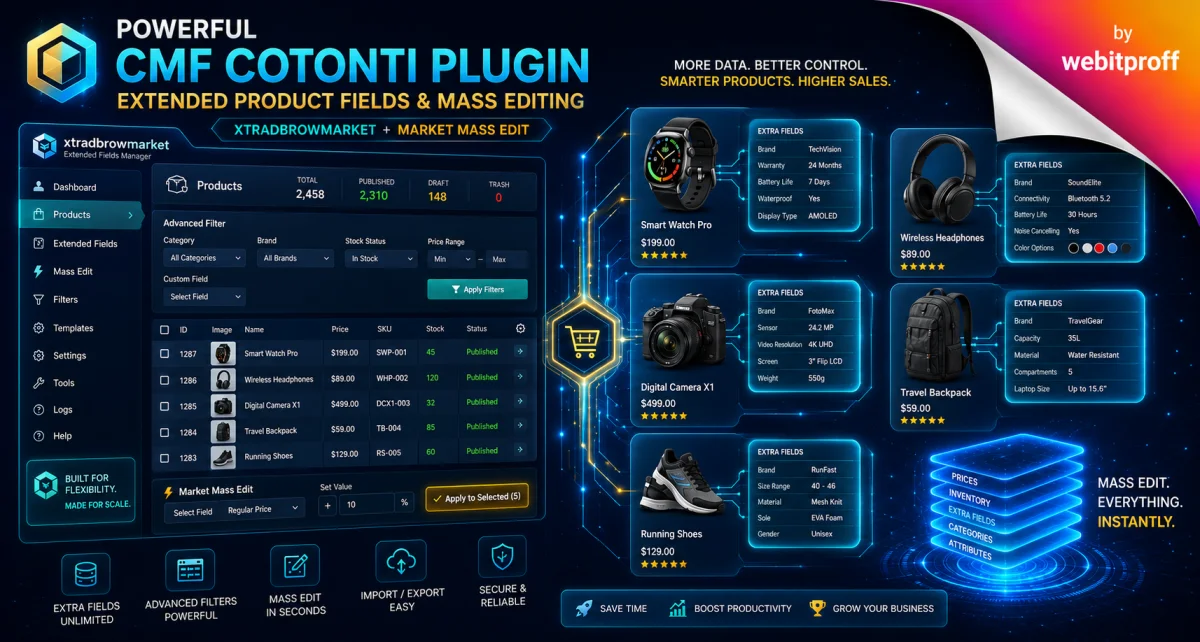
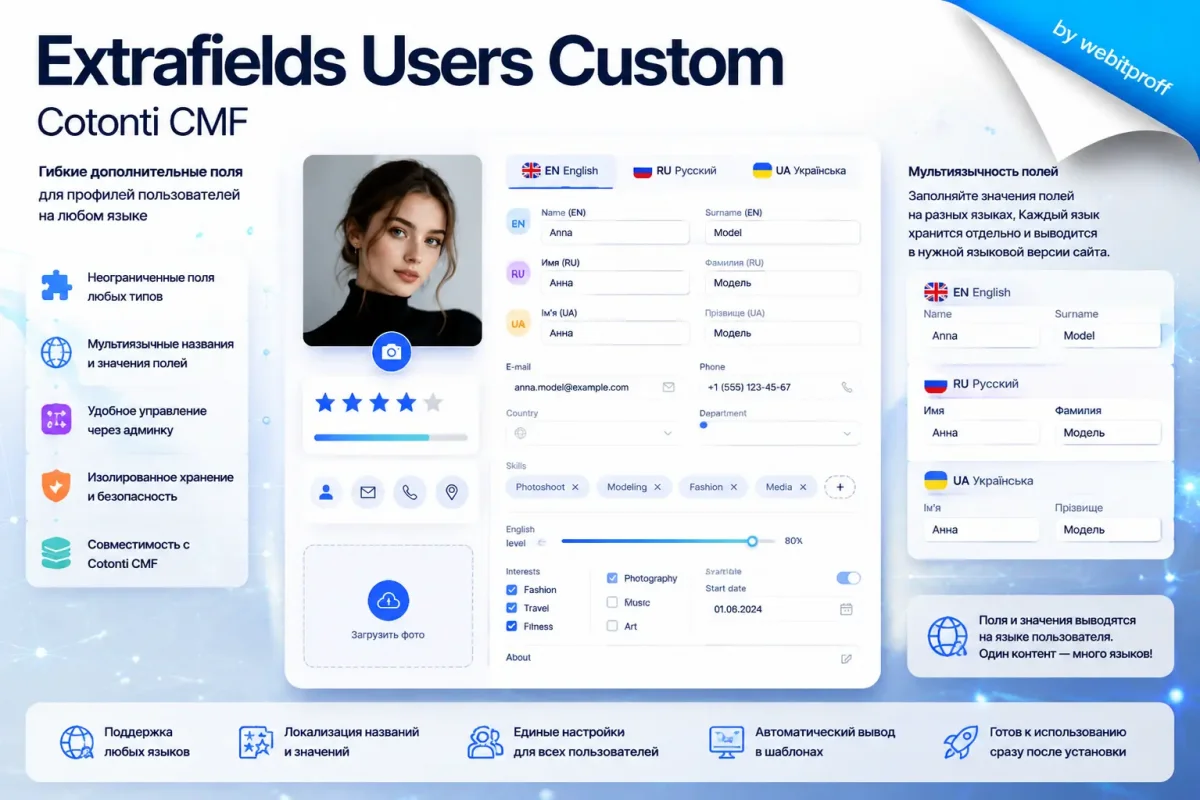
Extra (magic) fields are used to supplement certain entities on the site with certain data. The complete Guide to the Extrafields Cotonti API: Managing additional fields without writing code
This used to supplement certain entities on the site with certain data. For example, we have pages and we need to add a new parameter to them so that it can be edited through the form. To do this, we go to the admin panel and select the extrapolation management section for pages, set the extrapolation identifier, its name, the type of form element for it, and other parameters. In addition, extra fields can be added to any table in the framework database.
Complete Guide to the Cotonti Extrafields API: Managing Custom Fields Without Writing Code
Cotonti CMF provides developers and administrators with a powerful built-in tool — the Extrafields API (system of additional fields). This API allows you to add arbitrary fields to any database table and automatically receive ready-made form elements, validation, saving, and formatted output for them. You don’t need to write HTML markup, manually process POST requests, or think about data types — all of this is already implemented in the Cotonti core.
In this article, we will break down each API function in detail, show how it works “under the hood,” and explain with examples how to use it in your plugins. The article is aimed at developers but will also be useful for advanced administrators who want to understand the internal workings of extrafields.
2. Extrafields Architecture: Tables and Hooks
Tables
cot_extra_fields — metadata of all registered fields: type, HTML template, variant values, parameters, default value, required flag, enabled flag, description.
Target table (e.g., cot_pages) — physically contains columns with names corresponding to the field names. When a field is added via the API, an ALTER TABLE is automatically executed, adding the necessary column with the correct SQL type.
Cotonti caches the field configuration in the system cache, which speeds up loading.
Workflow
A plugin (or the core) registers a table as “supporting extrafields” via cot_extrafields_register_table().
The administrator creates fields with the desired parameters through the control panel.
In templates (or via hooks), cot_build_extrafields() is called, which generates the HTML code of the input element based on the field configuration and the current value.
When the form is submitted, the data is validated and sanitized by the cot_import_extrafields() function, which returns a value ready to be written to the database.
For output, cot_build_extrafields_data() is used, which formats the value (e.g., date, country name, translation of a variant).
3. Registering Tables for Extrafields
To let Cotonti know that a certain table can have additional fields, the following function is used:
cot_extrafields_register_table('my_table_name');
Internally, it writes a key to the global array Cot::$extrafields. For example, the xtradbrowusers plugin does this:
Cot::$db->registerTable('xtradbrowusers');
// ... later
function xtradbrowusers_getExtrafields() {
    return Cot::$extrafields[Cot::$db->xtradbrowusers] ?? [];
}
This allows other functions (e.g., the extrafields admin panel) to automatically pick up this table and display it in the list of available ones.
Important: for tables created by plugins, a primary key named id is often used to avoid automatic prefixing (user_, page_, etc.) when creating columns. This ensures a direct link between the field name in cot_extra_fields and the column name in the table.
4. Building Input Fields — cot_build_extrafields
This function is the heart of form generation. It accepts the field name (name attribute), the extrafield configuration, and the current value, and returns the ready-made HTML code of the input element.
function cot_build_extrafields($name, $extrafield, $data)
How it works
If $data is null, the default value from the field configuration is used.
Depending on $extrafield['field_type'], the corresponding block is executed:
input, inputint, currency, double → cot_inputbox() with type text.
textarea → cot_textarea().
select → variants from field_variants are converted into an array; translation is supported via $L['fieldname_variant'].
radio → similar to select, but via cot_radiobox().
checkbox → cot_checkbox() with a fixed value of 1.
datetime → parses field_params (min/max year, format), and builds a set of dropdowns via cot_selectbox_date().
country → cot_selectbox_countries().
range → a range of numbers from parameters, turned into a dropdown.
checklistbox → variants become a list of checkboxes with multiple selection support.
file → cot_filebox() with a path specified and the option to delete the current file.
All these functions use standard templates from the theme resources (resources.rc.php), which ensures a consistent look across the entire site.
Example of use in a template
In the PHP handler (hook), you first get an array of all fields:
$inputname — the name of the field in the request (e.g., rxtra_phone).
$extrafield — the field configuration.
$source — data source: 'P' (POST), 'G' (GET), 'C' (COOKIE), or 'D' (direct filtration of the passed value).
$oldvalue — the previous value (used for files to delete the old file when replacing).
$titlePrefix — prefix for the localized field name in error messages.
Validation by types
input: a regular expression from field_params is applied if set; otherwise, HTML/Text cleaning.
inputint, range: checked for integer, and if necessary, checked to fall within the range from field_params.
currency, double: floating-point numeric value, also with range checking.
textarea: imported as HTML.
select, radio: the value must be in the list of allowed variants, otherwise an error.
checkbox: cast to 0/1.
datetime: assembled from multiple fields (day, month, year, hour, minute) into a timestamp, taking into account year constraints.
country: country code verification.
checklistbox: multiple selection, each item is checked for validity, then joined into a comma-separated string.
file: uploaded file processing: extension check, safe name generation, remembering the path for subsequent moving. File deletion is supported (via the rdel_... flag).
If the field is required (field_required = 1) and the value is empty, an error with a localized message is generated.
Practical example
In the user profile save hook:
$data = [];
foreach ($extrafields as $exfld) {
    $fname = $exfld['field_name'];
    $data[$fname] = cot_import_extrafields('rxtra_' . $fname, $exfld, 'P', $oldValue, 'xtra_');
}
xtradbrowusers_save($userId, $data);
// after the loop over all fields, this must be called
cot_extrafield_movefiles();
This ensures that all entered data passes validation and is ready to be written to the database.
6. Localizing Titles — cot_extrafield_title
Each extra field has a description (field_description) that is shown in the admin panel and next to the input field. But for different languages, a translation can be provided. The cot_extrafield_title() function looks for a translation in several places in order of priority:
$L['prefix_fieldname_title'] (if a prefix is passed, e.g., 'xtra_')
$L['table_name_fieldname_title']
$L['fieldname_title']
Returns field_description if nothing is found.
Thus, the developer only needs to add lines like this to the language file:
$L['xtra_phone_extra_title'] = 'Phone';
and the title is automatically localized.
7. Formatting Data for Output — cot_build_extrafields_data
When you need to display an extrafield value on a page (not in a form), this function is used. It formats the raw value from the database into a readable form:
select, radio — substitutes the translation of the variant.
checkbox — returns 0 or 1.
datetime — formats according to the date format specified in field_params.
checklistbox — joins variants with a separator, supporting translation.
country — simply returns the code (the country name can be obtained separately via the countries language file).
file — returns the file name.
Other types — passed through cot_parse considering parsing settings (HTML, Text).
Thus, templates can safely output {USERS_DETAILS_XTRA_PHONE} and get a value ready for display.
8. Default HTML Constructions — cot_default_html_construction
When creating a new field via cot_extrafield_add() without specifying an HTML template, the cot_default_html_construction() function is used. It loads the resource strings of the theme (e.g., $R['input_text']), substituting empty attributes into them. This gives a uniform default appearance for fields, which can be changed globally through the theme.
The developer rarely needs to call it directly, but understanding this mechanism helps customize fields by providing a custom HTML template in the admin panel or through cot_extrafield_add().
9. Programmatic Field Management: Adding, Updating, Deleting
The API provides three functions for modifying the extrafields themselves (their metadata and corresponding table columns):
cot_extrafield_add($location, $name, $type, ...) — creates a new field. Executes an ALTER TABLE to add a column with the correct SQL type and registers metadata in cot_extra_fields. Supports parameters: HTML template, variants, default value, required flag, parser, description, additional parameters, enabled flag.
cot_extrafield_update($location, $oldname, $name, $type, ...) — modifies an existing field. If the name or type changes, it recreates the column using ALTER TABLE ... CHANGE. Other parameters are updated in the metadata.
cot_extrafield_remove($location, $name) — deletes a field: removes the record from cot_extra_fields and drops the column from the table.
These functions are used in the "Extrafields" administrative interface, but can also be called from your plugins during installation/upgrade. For example, the xtradbrowusers plugin creates 15 demo fields via cot_extrafield_add() during installation, without requiring manual actions.
10. Working with Files: Upload, Move, Delete
For fields of type file, the API provides a complete cycle:
cot_import_extrafields (for type file) creates an array $uploadfiles with information about the uploaded file, checks the extension, generates a unique safe name, and marks the old file for deletion.
cot_extrafield_movefiles() — after successful data saving, this function is called, which physically moves the uploaded files from the temporary folder to the target directory (specified in field_params) and deletes old files.
cot_extrafield_unlinkfiles($fielddata, $extrafield) — deletes the file associated with the extrafield. Usually called when deleting the owner record (e.g., a user or a product).
cot_import_filesarray($file_post) — an auxiliary function for working with multiple file uploads.
The developer only needs to call cot_import_extrafields() for the file field in the save loop, and then cot_extrafield_movefiles() after the loop completes. All the complex logic is already implemented.
11. Hooks for Extending Logic
Cotonti provides hooks at key points of the API:
extrafields.build.file — inside cot_build_extrafields for the file type, allows changing the behavior of building the file input.
extrafields.import.file.first and extrafields.import.file.done — in cot_import_extrafields for the file type, provide the ability to influence the processing of the uploaded file.
extrafields.movefiles — inside cot_extrafield_movefiles, allows performing additional actions with files.
extrafields.unlinkfiles — when deleting a file.
These hooks allow plugins to extend the standard behavior without modifying the core.
12. Practical Examples from Real Plugins
12.1. Adding Fields to Users (xtradbrowusers)
The xtradbrowusers plugin uses all the described functions:
During installation, calls cot_extrafield_add() 15 times, creating demo fields.
In the users.edit.tags hook, retrieves the current user's data via xtradbrowusers_load() and in a loop generates HTML for the admin edit form using cot_build_extrafields().
On save (users.edit.update.done hook), collects new values via cot_import_extrafields(), saves them to its table, and calls cot_extrafield_movefiles().
For the public profile, uses cot_build_extrafields_data() to format values and cot_extrafield_title() for titles.
All of this works without writing dozens of lines of validation and templates — only calls to ready-made functions.
12.2. Bulk Editing Users in the Plugin Admin Panel
In the new xtradbrowusers admin panel for bulk editing, the same approach is used: in a loop over users, cot_build_extrafields() is called for each field, and then on save — cot_import_extrafields(). This ensures consistency with single editing.
13. Conclusion
The Cotonti Extrafields API is a powerful layer of abstraction that takes care of routine work with additional fields. The developer no longer needs to worry about data types, security, markup, or compatibility — everything is already implemented in the core. Using these functions in your plugins allows you to focus on business logic, not on infrastructure.
If you are writing a plugin that needs configurable fields — don’t reinvent the wheel, use the provided API. And if you are an administrator, now you know that reliable and flexible mechanisms are working “under the hood,” ready for any of your tasks.
10 minutes read Sodium Carbonate
Comments (0)
No comments yet
Only registered users can post new comments
Article multicategories
Additional categories where this article is shown as similar.
Support and development of web projects on the CMF Cotonti: private messengers via the website, open and closed small social networks, trading platforms and marketplaces, freelance and services exchange portal, catalogs of goods from wholesale suppliers, dropshipping platforms, online stores, and much more.




 Русский